
Our Android app
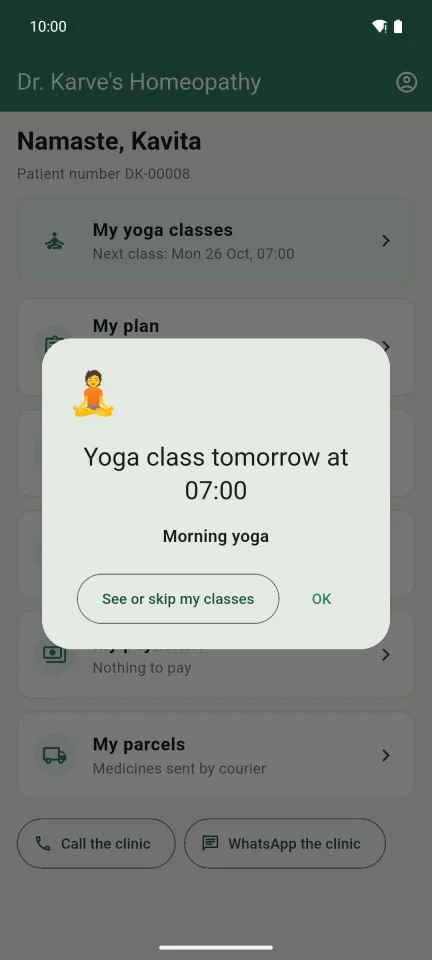
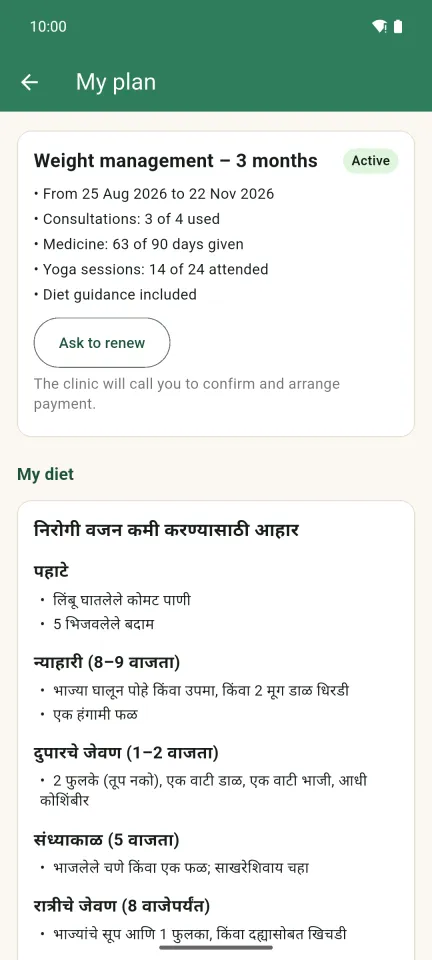
Your plan, visits, medicines, payments and yoga classes on your phone, with class reminders. Clinic staff use the same app.
Version 1.2.1 · 23.0 MB · for Android phones
Your plan, visits, medicines, payments and yoga classes on your phone, with class reminders. Clinic staff use the same app.
Version 1.2.1 · 23.0 MB · for Android phones
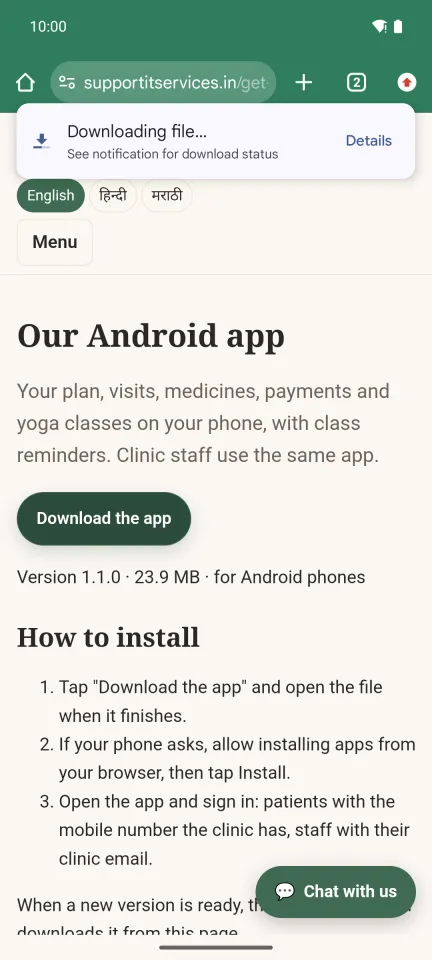
Tap "Download the app". The download starts at the top of the screen.
Chrome may say "File might be harmful". This is the clinic's own app, so tap "Download anyway".

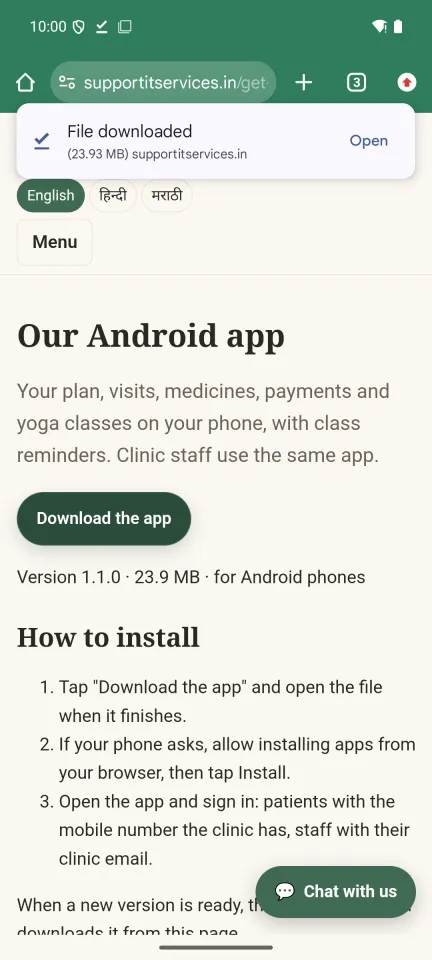
When it says "File downloaded", tap Open.
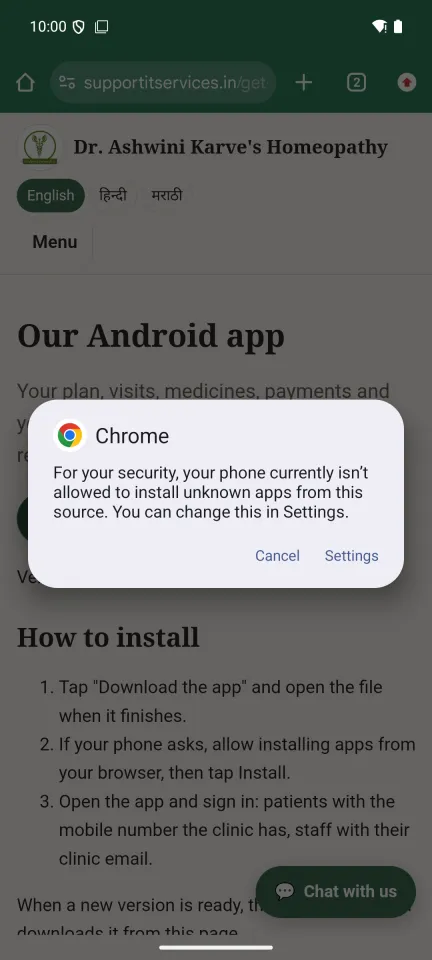
The first time, the phone says it is not allowed to install apps from this source. Tap Settings.
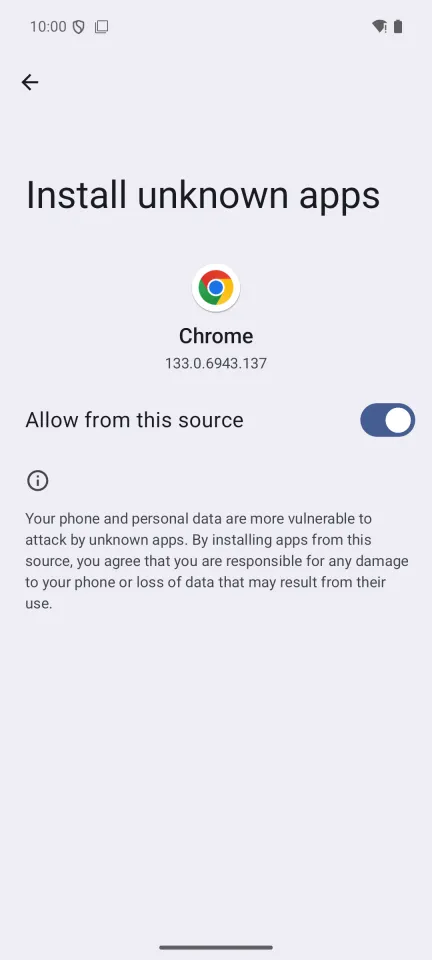
Switch on "Allow from this source", then press Back.
Tap Install.
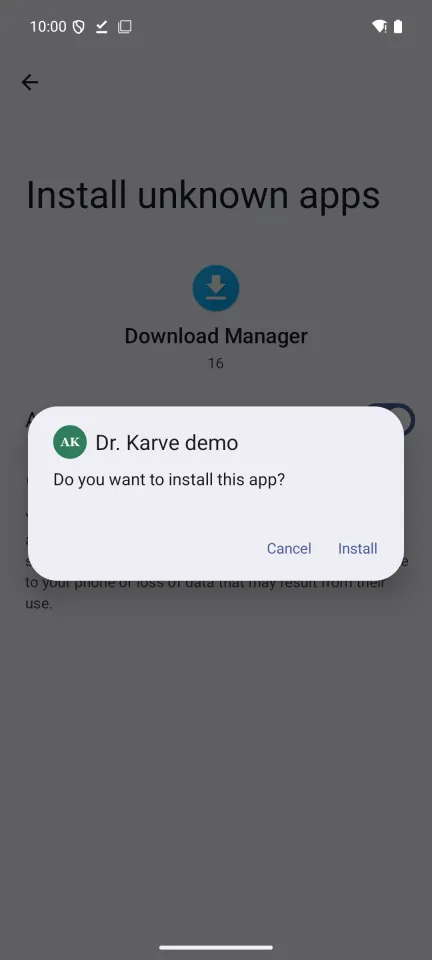
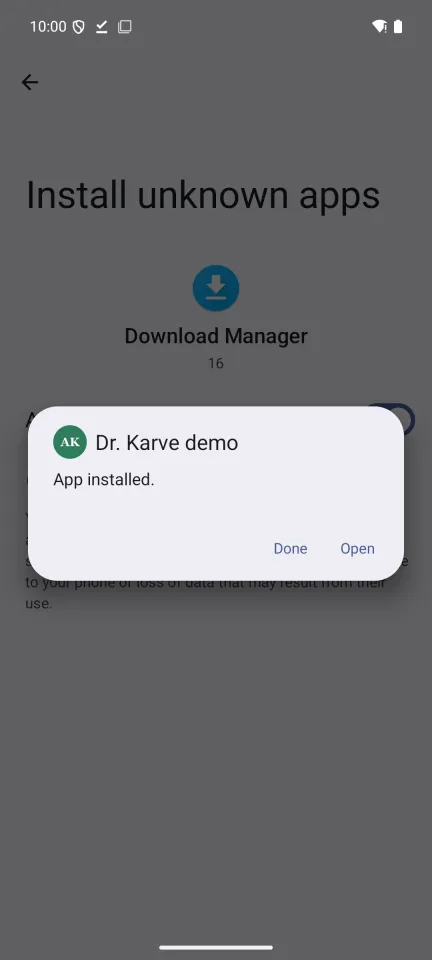
When it says "App installed", tap Open. The app is now on your home screen too.
Phone says "App not installed"? An older copy of the app is on the phone. Remove it first (press and hold its icon, then Uninstall), then install this one.
Closed the message by mistake? Open the Files app, look in Downloads and tap the file.

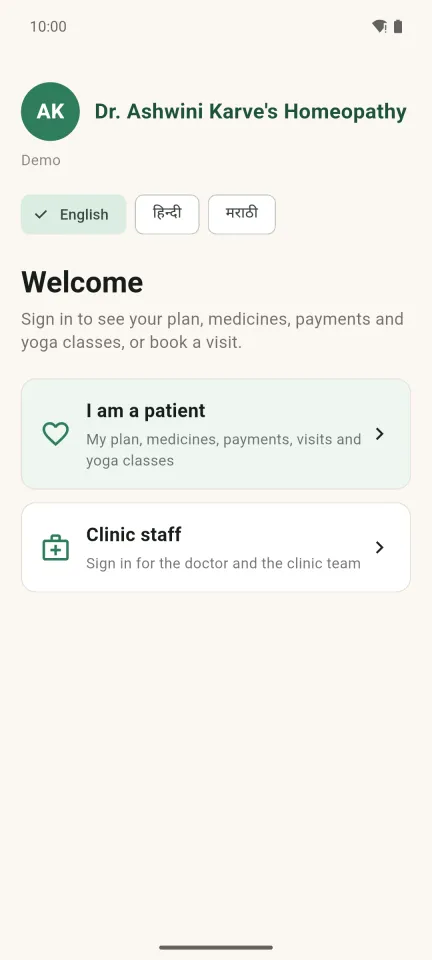
Choose your language, then "I am a patient". Clinic staff choose "Clinic staff".
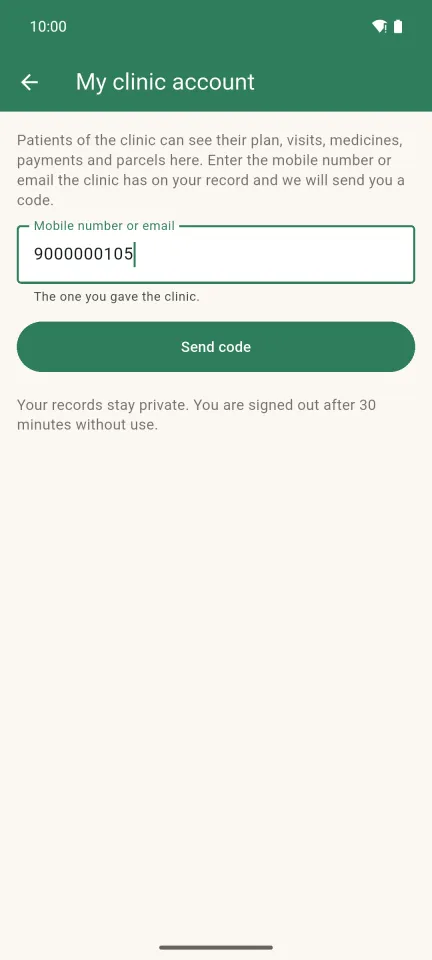
Enter the mobile number (or email) the clinic has for you and tap "Send code".
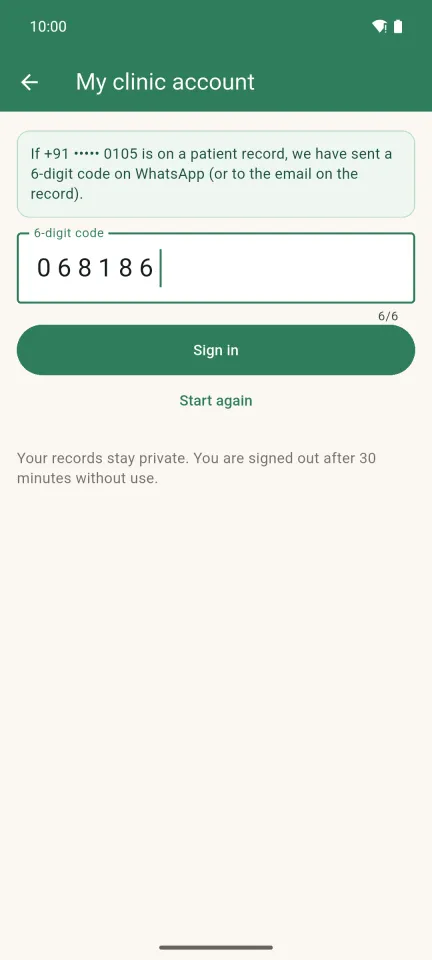
Type the 6-digit code you get on WhatsApp and tap "Sign in". You stay signed in on this phone.
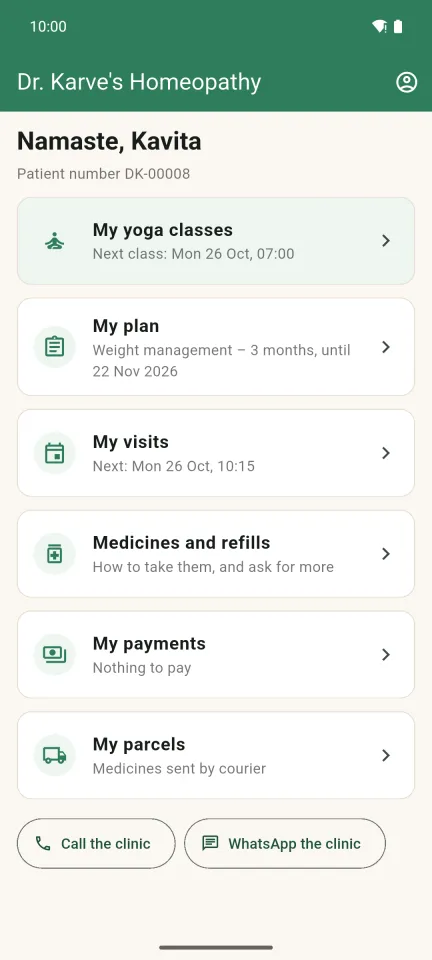
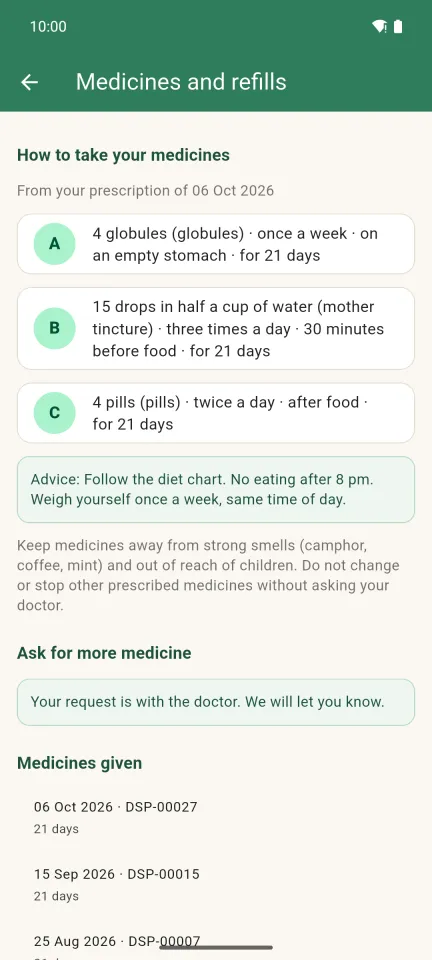
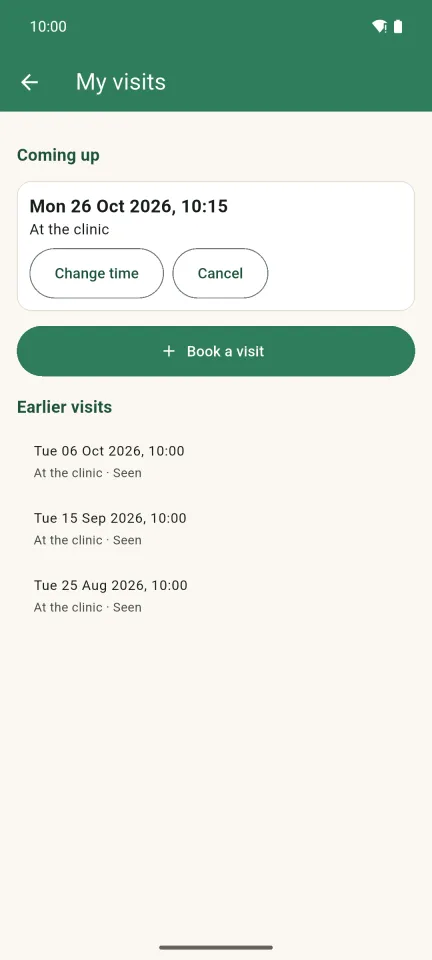
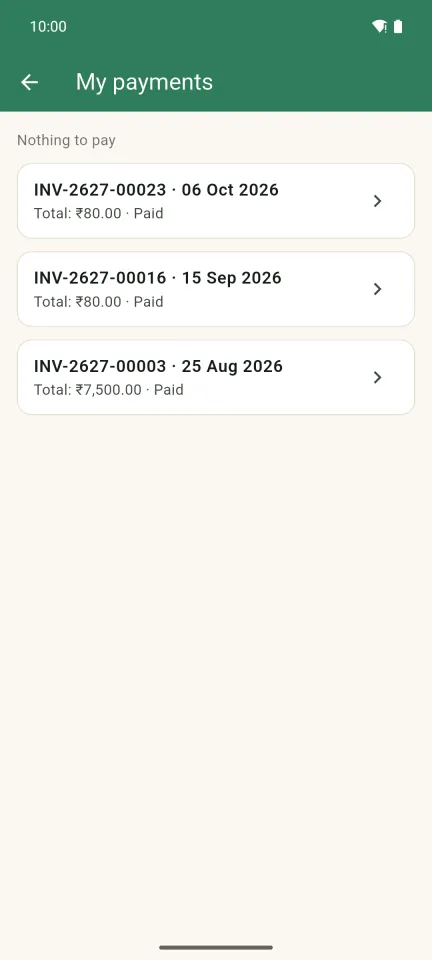
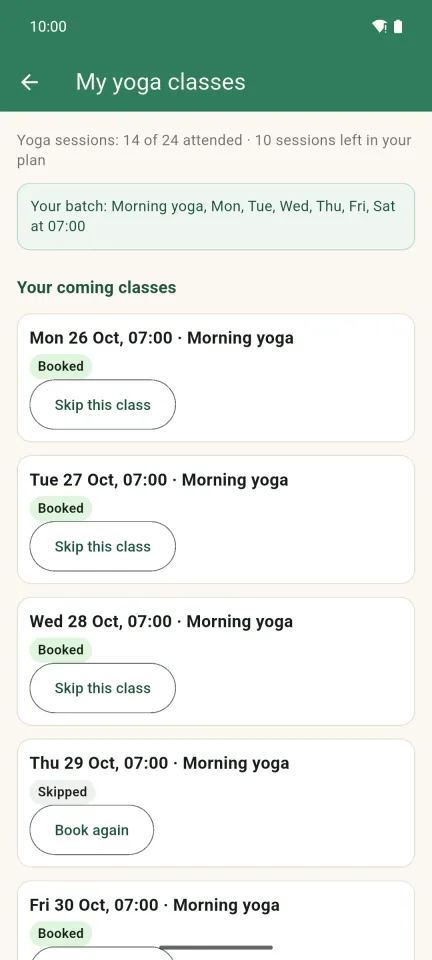
Staff sign in with their clinic email and password (the doctor also enters a code). Each person sees only the parts of the clinic their role allows.
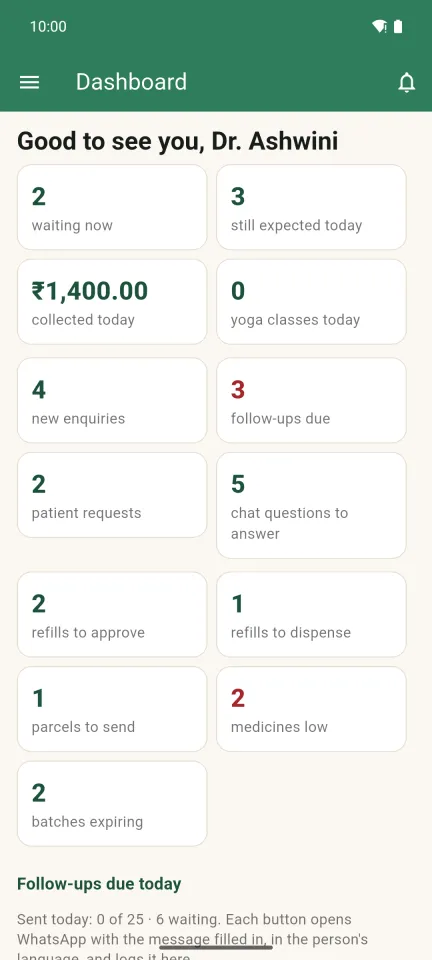
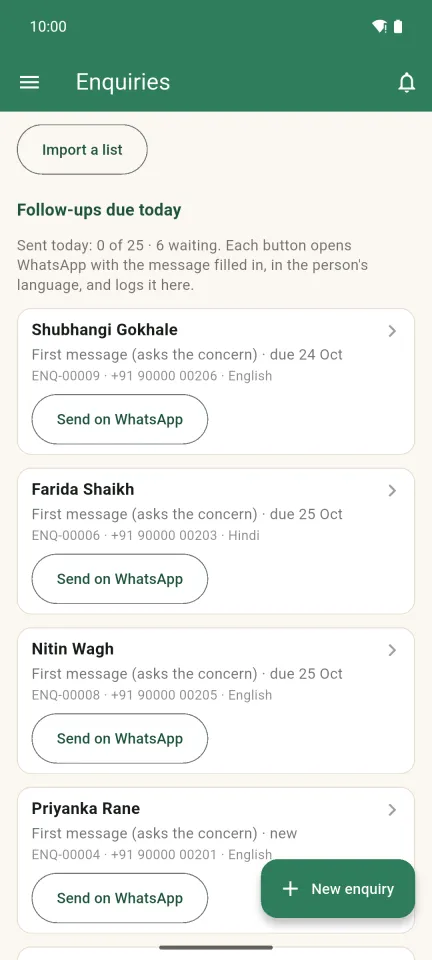
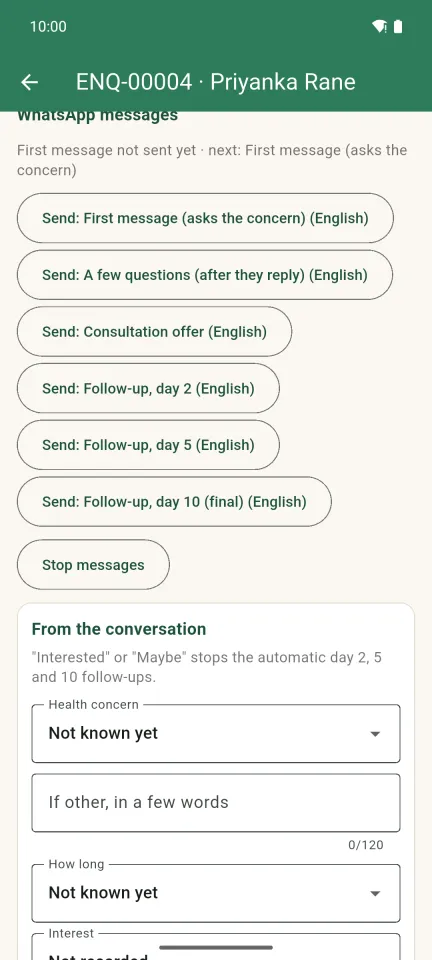
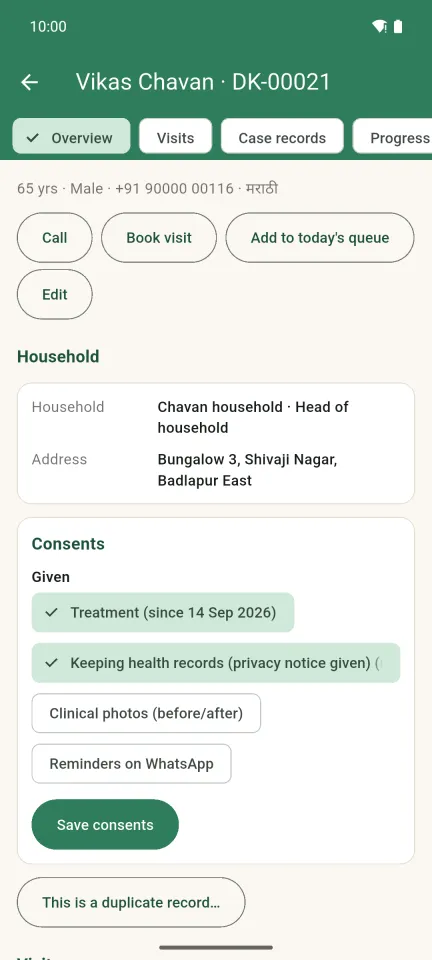

The pictures show sample data. When a new version is ready, the app tells you and downloads it from this page.
Automated help, not medical advice. In an emergency, go to the nearest hospital.